

Play Sprunki Babies Game
Sprunki Popular Characters
All 20 Characters




Sprunki Popular Character Ranking
Oren - Beat Character
Sky - Effect Character
Durple - Melody Character
Wenda - Vocal Character
Tunner - Melody Character
Trending Games


























Sprunki Babies
The Babies project
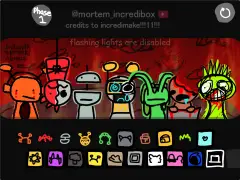
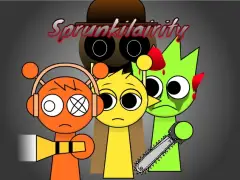
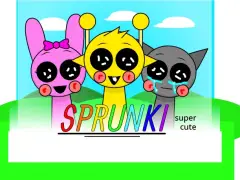
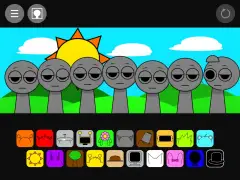
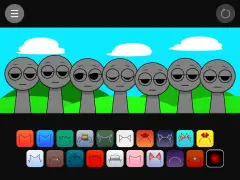
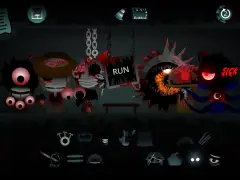
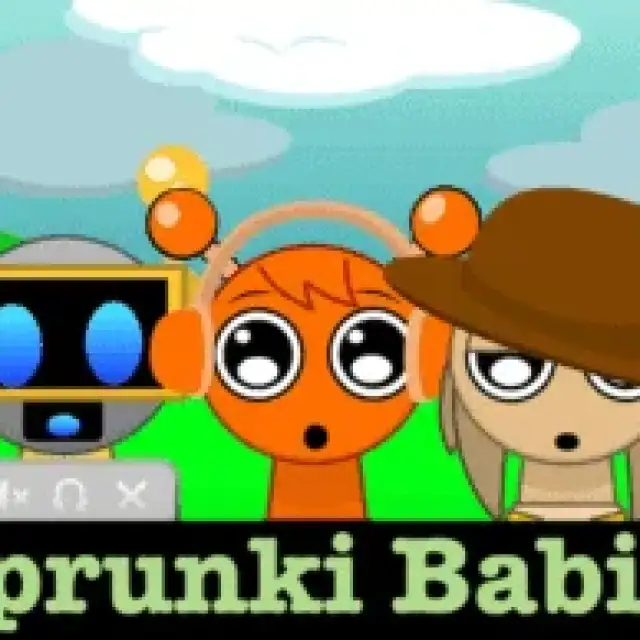
This listing opens “Incredibox - Sprunki Babies”. The loaded package contains a dedicated baby-character presentation alongside familiar named sound slots. The carousel shows that build progressing from its starting stage to an early pair and a fuller arrangement.
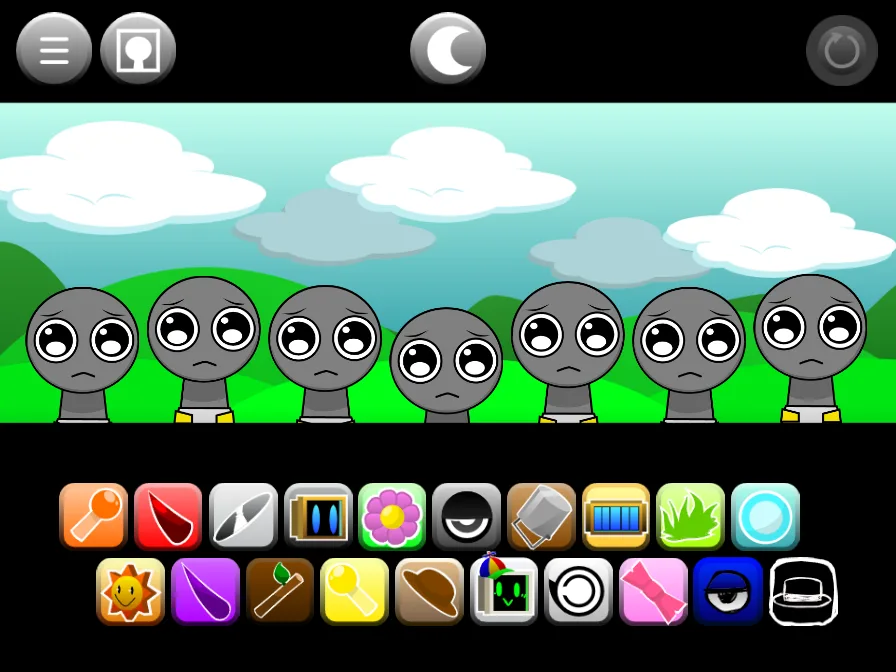
Find a familiar accessory
Use headphones, a cymbal, a flower, or a hat to identify a starting icon. Small character bodies can make the accessories more useful than proportions. Drag one icon onto a stage position and compare the resulting performer before choosing a second sound.
Compare sound as well as size
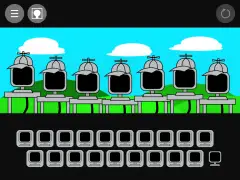
The normal kick, snare, shaker, bass, and arpeggio families remain in the inspected package. Some alternate assignments change: the tree sprite contains carzy-labeled material, and the computer sprite adds aising3 and aising4. Compare those slots individually if you are moving from the main player.
A simple Babies arrangement
Begin with a rhythm and one pitched part, then remove and return the rhythm to hear the contrast. Use the main player as a normal-design reference when comparing the smaller silhouettes. The in-game presentation, rather than the word Babies alone, tells you what a particular mode looks and sounds like.
Start with this two-part mix
To reproduce the first pair tested in Sprunki Babies, drag upper-row icon 1 onto the first performer from the left. Next, place upper-row icon 3 on the second performer. Both drops activated a separate part.
Build the five-part arrangement
Continue the Sprunki Babies arrangement with upper-row icon 5 on performer 3, upper-row icon 7 on performer 4, and upper-row icon 9 on performer 5. Add them in that order to reach five active parts. Two of the 7 positions remain open for another choice.
| Add in order | Sound choice | Performer position |
|---|---|---|
| 1 | upper-row icon 1 | first from the left |
| 2 | upper-row icon 3 | second from the left |
| 3 | upper-row icon 5 | third from the left |
| 4 | upper-row icon 7 | 4th from the left |
| 5 | upper-row icon 9 | 5th from the left |