
Play FNF: Mr. Fun Computer Test Game
Sprunki Popular Characters
All 20 Characters




Sprunki Popular Character Ranking
Oren - Beat Character
Sky - Effect Character
Durple - Melody Character
Wenda - Vocal Character
Tunner - Melody Character
Trending Games


























FNF: Mr. Fun Computer Test
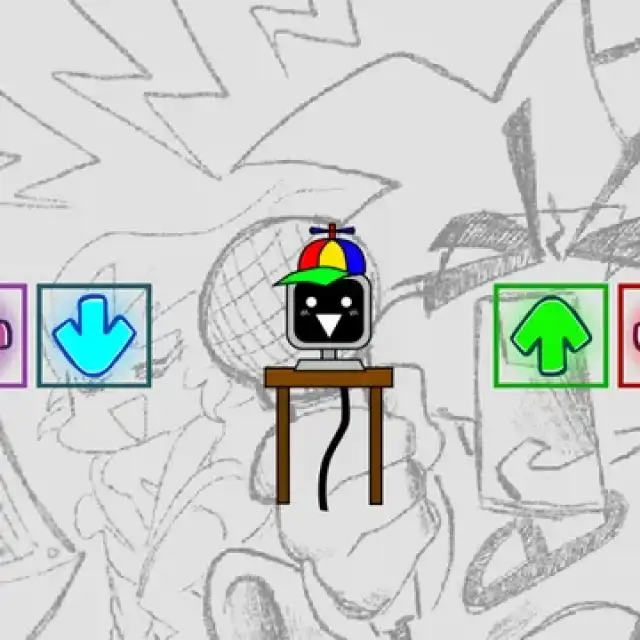
Four arrows around one computer
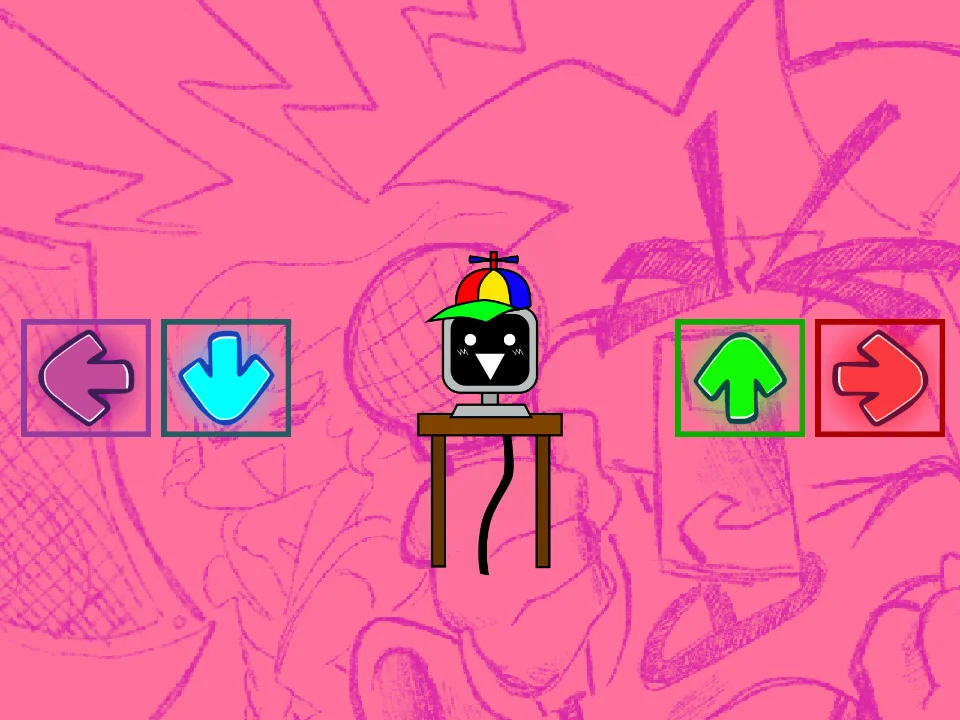
This FNF test places Mr. Fun Computer on a small wooden table, with purple left, cyan down, green up and orange right arrows around him. The backdrop changes its color treatment between captured inputs. The character stays centered while the computer display supplies the visible response.
Try the on-screen directional controls
Press the left arrow button to reproduce the captured musical-note display. Press the up arrow button to see Hello! on the monitor. Try each direction individually before combining inputs so that you can associate the screen change with the arrow you selected. The screenshots demonstrate these two responses.
Use it as a character sound test
The visible interface focuses on directional triggers around a single performer. Start with short separate presses and allow each response to finish before selecting another direction. Keep your attention on the small monitor as well as the colored arrows: its changing face, notes and text are the clearest feedback in this build. Fullscreen helps make that display easier to read.