Sprunki Wenda
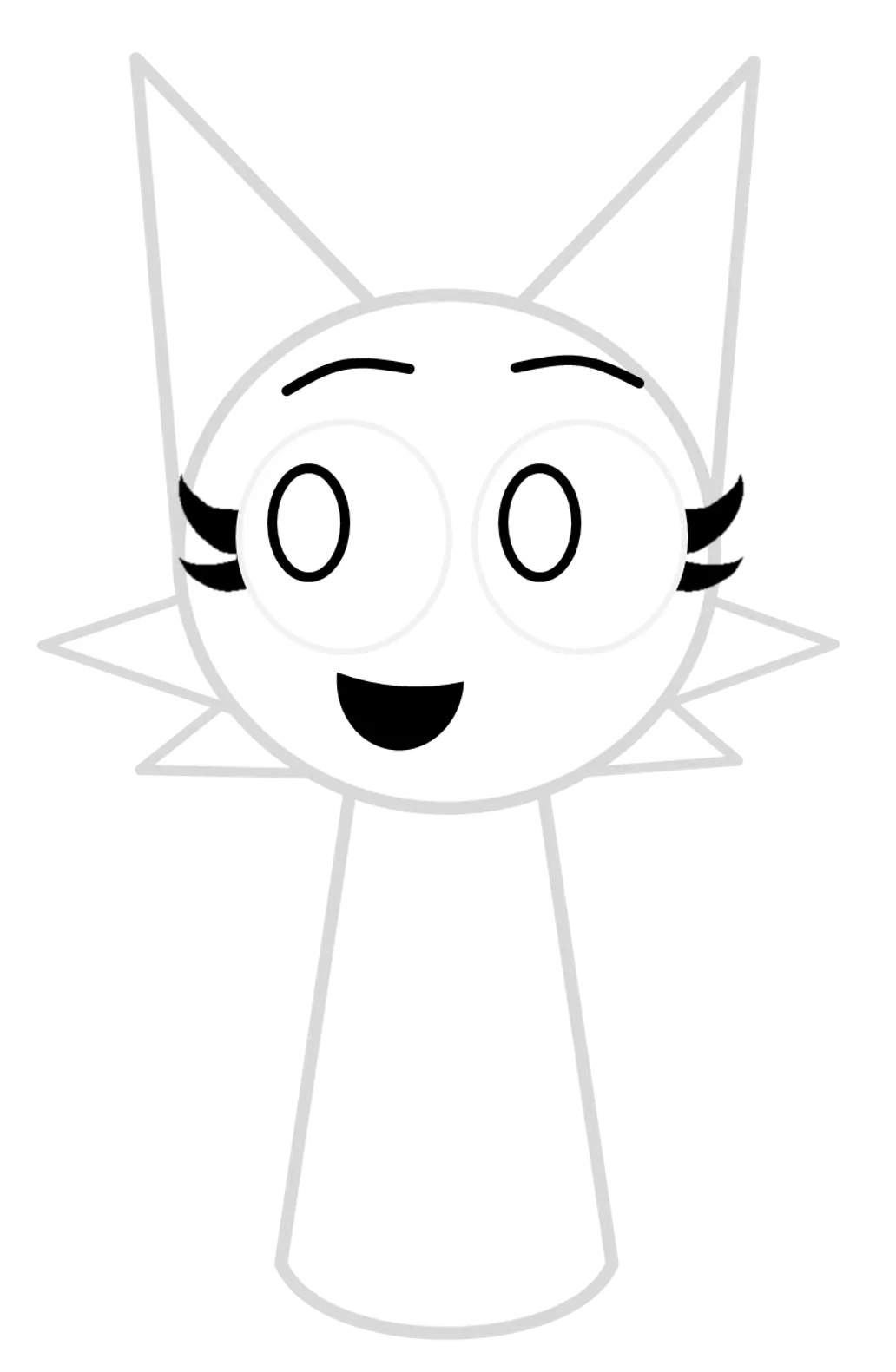
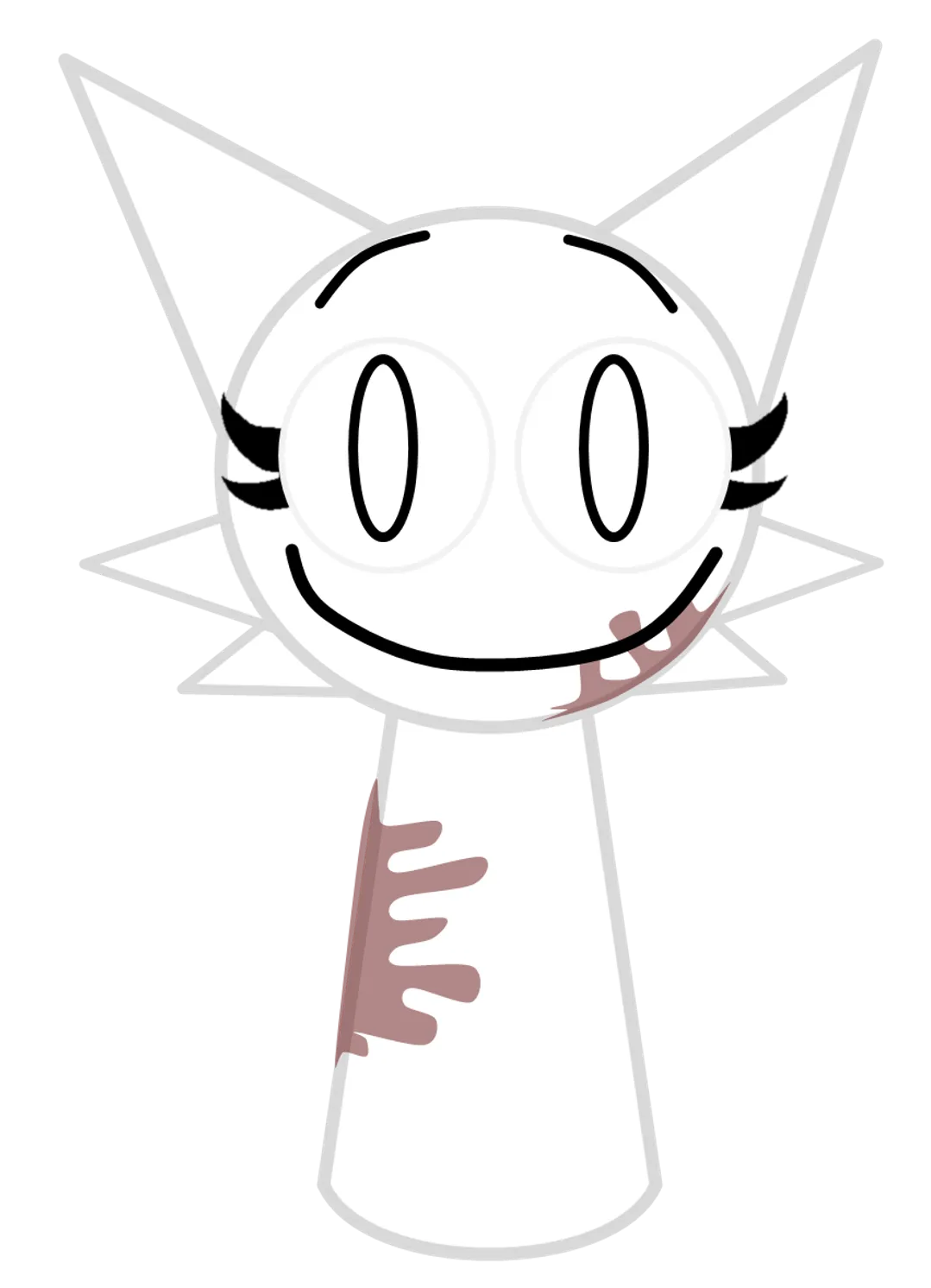

Vocals · Short vocal phrase
Recognizing Wenda in the player
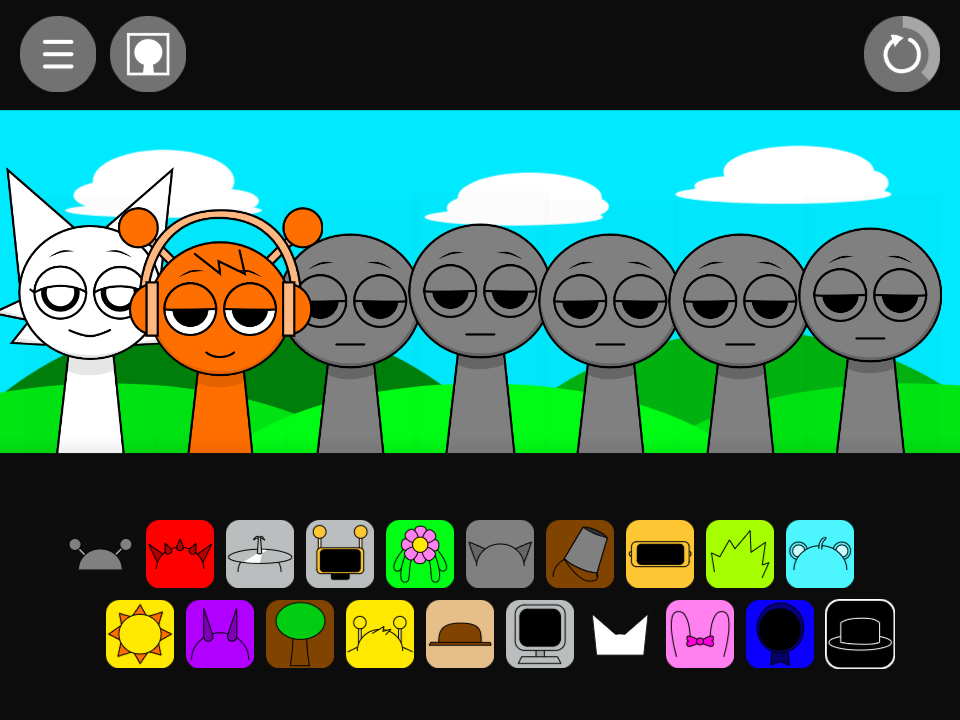
Wenda is white with pointed ears and cheek tufts. Her icon is seventh in the lower row, immediately before Pinki’s bow. Gray’s upper-row icon has a simpler gray head outline, giving you a second cue when the ears look similar.
What Wenda sounds like
Her normal files are boring hey sound and boring hey sound2. Treat the sound as a short vocal figure, rather than expecting Pinki’s longer choir-family phrase. The source labels distinguish which voice belongs to Wenda when several portraits have similar pointed ears.
Oren’s kick makes the repeating accent easy to locate. Fun Bot supplies a busier rhythmic alternative. Compare those foundations separately before adding another voice; then remove one vocal to check whether the remaining phrase becomes easier to follow.
A short vocal above Oren’s kick
- Reset and drag Wenda’s white pointed-ear icon onto the first performer.
- Add Oren’s headphones to the next position and listen to the repeating voice figure.
- Hear Wenda alone by removing the kick, then restore it. Keep the kick and replace Wenda with Pinki for a direct voice comparison.
Choosing parts around Wenda
Wenda and Gray resemble one another more than their audio roles suggest: one supplies a voice, the other a bass. Jevin provides a choir alternative to Wenda. Try each voice over the same kick; a two-part arrangement is already a complete listening exercise without filling every available position.
Wenda in the alternate sound set
The alternate pair is crazy and crazy2, with a crazy unedited asset also retained. This gives a concrete sample-family comparison with the normal vocal. A dramatic expression in the alternate artwork can be described visually, while a story explanation needs a source beyond an audio filename.
A practical question
Why might a newly added voice appear silent at first?
Give it time to reach its next phrase and check whether it is muted. A repeating voice can contain gaps, so judge it across a complete passage rather than a single moment.
Try this arrangement in the main Sprunki player · Open the tested project