
Play Sprunki Game
Sprunki Popular Characters
All 20 Characters




Sprunki Popular Character Ranking
Oren - Beat Character
Sky - Effect Character
Durple - Melody Character
Wenda - Vocal Character
Tunner - Melody Character
Trending Games


























Sprunki: Build a Character Mix
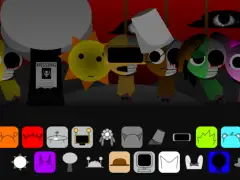
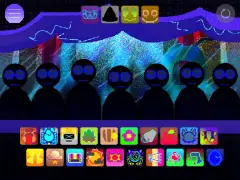
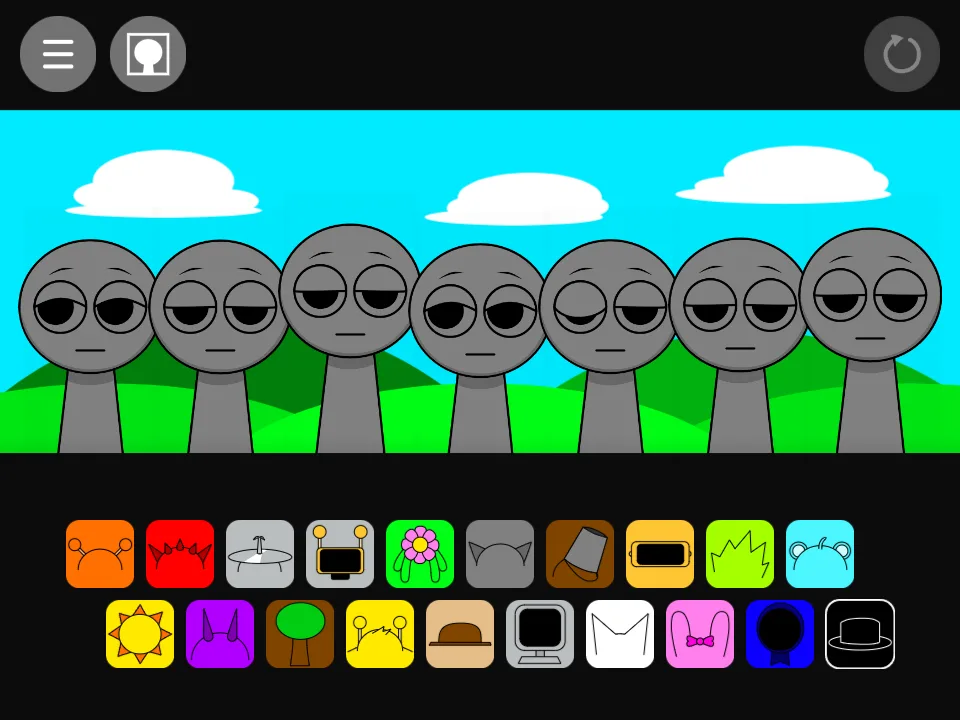
Build an arrangement by dragging sound icons onto seven gray performers. The main lineup places beats and effects in the upper row, with melodies and voices below. A single part is enough to start: learn its phrase, then add a second sound and listen to the difference.
Your first two sounds
- Select Play Now and wait for the external project to finish loading.
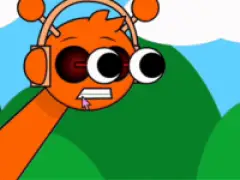
- Drag the orange headphone icon from the upper left onto the first gray performer. Oren supplies a kick part.
- Add Pinki’s bow icon from the lower row to the next performer. Hear the choir-like vocal against the kick before choosing another layer.
- Use the reset arrow at the top right of the game to clear the arrangement.
Choose a role for each addition
- For percussion, compare Oren’s kick, Raddy’s snare, Clukr’s cymbal, Fun Bot’s drum figure, and Vineria’s shaker.
- For a pitched feature, try Sky’s music box, Durple’s horn, Mr Tree’s organ, Simon’s synth, or Tunner’s whistle.
- For a voice, compare Mr. Fun Computer, Wenda, Pinki, and Jevin one at a time over the same rhythm.
Compare a small and a full arrangement
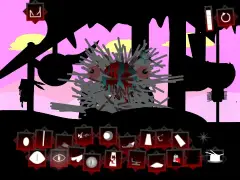
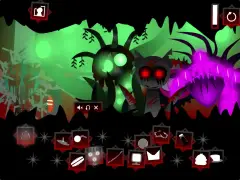
Keep one rhythm active while changing a melody or voice. Sky, Durple, and Tunner have different instrumental identities, so a two-part comparison is easier to follow than several leads playing together. The screenshot sequence above shows how the stage changes as performers are added.
The black-hat transition
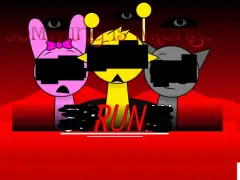
The black top-hat icon at the end of the lower row changes this build to a dark-red scene with eye imagery and altered performers. Try it in a separate run after learning the normal arrangement, at a comfortable volume. The Black guide includes a captured view of that transition.
Follow the first-mix walkthrough for a longer exercise, or compare individual parts in the character guides.