Sprunki Black
Mode control · Alternate-mode trigger
Recognizing Black in the player
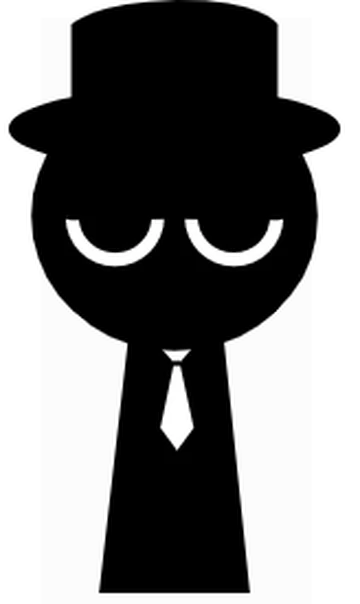
Black is identified by the black top hat at the right end of the lower icon row. Its outline differs from Jevin’s rounded hood and Tunner’s broad brown hat. In the normal lineup, the top hat is the clearest cue to the control you are selecting.
What Black sounds like
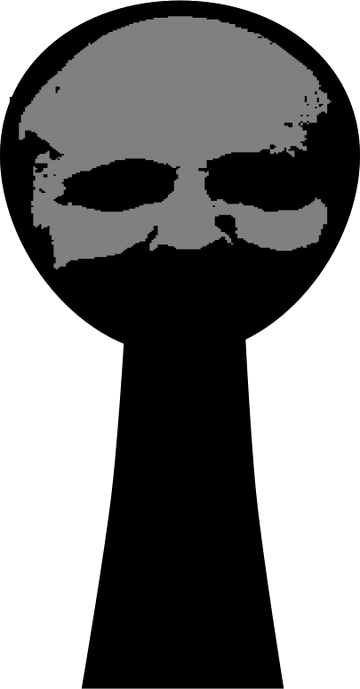
Treat the black hat as a presentation change in this main build. Dropping it onto a performer leads into the darker scene; it is different from the normal two-part exercises used for the other icons. Lower your volume before testing an unfamiliar transition.
Begin with an arrangement you already recognize. Hear Oren or Sky in normal mode, reset, then test the hat and compare the changed stage. One familiar sound at a time makes a before-and-after comparison clearer than entering the alternate scene with a crowded stage.
Compare the normal stage with the hat transition
- Start from a reset normal stage and note its bright sky and two icon rows.
- Drag the black top hat onto the first performer and let the transition finish.
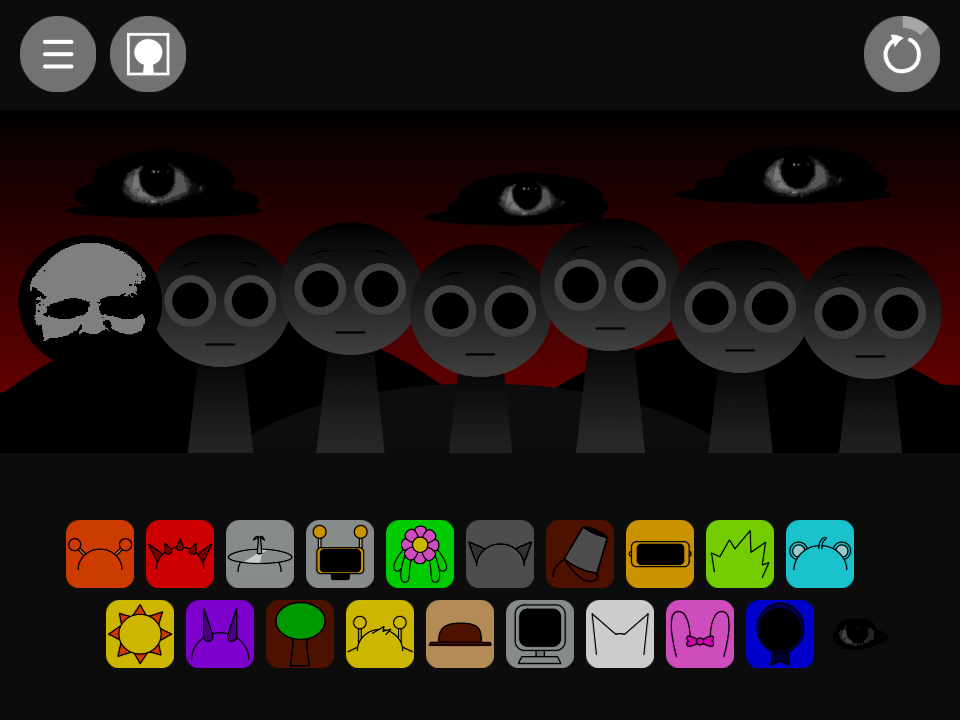
- Compare the dark-red stage and eye imagery with the normal view. Use a fresh run when you want another normal-mode comparison.
Choosing parts around Black
Black has a different practical role from the ordinary beat, effect, melody, and vocal icons. The screenshot below records the actual changed scene instead of pretending to show a normal duet. A separate game named after Black can use different controls and should be compared on its own page.
Black in the alternate sound set
The main package labels the sprite Black? and supplies creepy1 and creepy2. The question mark is part of that source label. The observed hat transition identifies this build’s behavior without establishing a shared story for every numbered fan phase.
A practical question
Can I compare the transition while keeping a normal duet unchanged?
Use separate runs. Note or capture the normal arrangement, reset, then test the hat. The transition changes the presentation being compared, so a before-and-after test is clearer than treating it as an ordinary extra voice.
Try this arrangement in the main Sprunki player · Open the tested project