
Play ParaSprunki Game
Sprunki Popular Characters
All 20 Characters




Sprunki Popular Character Ranking
Oren - Beat Character
Sky - Effect Character
Durple - Melody Character
Wenda - Vocal Character
Tunner - Melody Character
Trending Games


























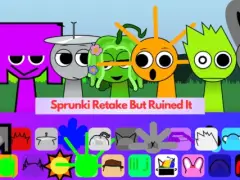
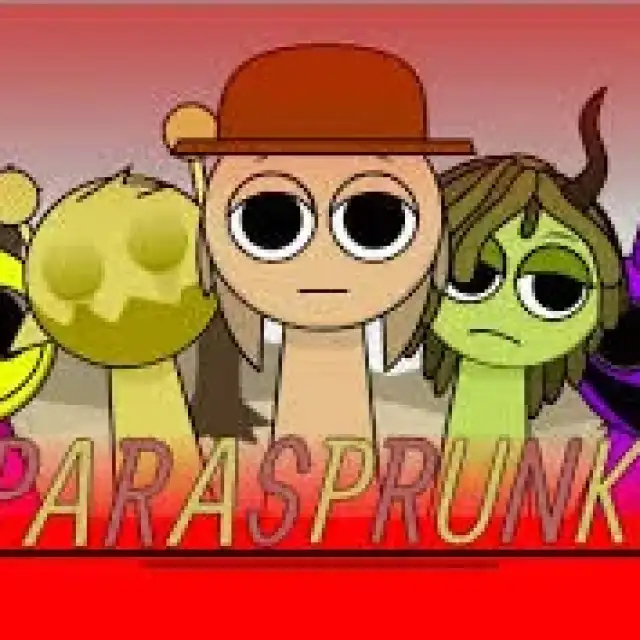
ParaSprunki
The ParaSprunki remix-2 build
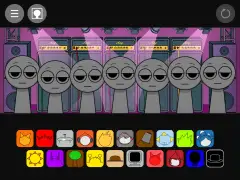
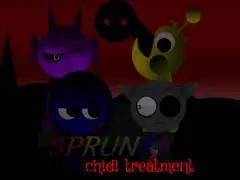
The current source is titled “Incredibox - ParaSprunki remix-2”. Its loaded roster retains many familiar character names and normal sound families. This gives you a useful reference point before exploring the changed presentation and alternate material.
Use a familiar sound as a baseline
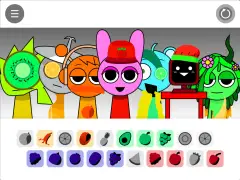
Find the headphone, cymbal, or music-box icon and hear one part alone. The source retains kick, ride-cymbal, bass, organ, and whistle families. Add one contrasting part while you learn how this particular remix presents the lineup.
Look for differences in the alternate set
The inspected computer sprite retains its normal singing pair and changes the alternate material to output-labeled files. The package also contains a work-in-progress metronome sprite. Explore the controls shown by the loaded build before planning an arrangement around an extra part.
Keep a separate comparison note
Write down the two icon choices you used in ParaSprunki, then try the corresponding parts in the main player. Separate a changed voice from changed artwork when comparing them. The exact remix-2 title helps distinguish this listing from other parasite-themed builds.
Character and sound references
The table lists audio labels assigned to selected characters in this build. Several labels in one row are alternative clips associated with that character. Use the character name to find a part, then compare its phrase in the player.
| Character or part | Audio labels in this project |
|---|---|
| Oren | kick, kick2, and kick3 |
| Gray | bass1, bass2, and bass3 |
| Mr. Sun | piano1, piano2, and piano new1 |
| Mr. Fun Computer | aising1, aising2, and output (35) |
| Raddy | snare, snare2, and snare3 |
Try a focused arrangement
Choose the icon for Oren and place it on an open performer. Let the phrase repeat, then add Gray in a separate position. Keeping the first arrangement small makes the contribution of each choice easier to recognize.
Next, compare Mr. Sun while keeping one of those first choices as your reference. Reuse that reference when exploring Mr. Fun Computer. Change one choice at a time so you can decide which combination you want to keep.