
Play Sprunki Pop It Game
Sprunki Popular Characters
All 20 Characters




Sprunki Popular Character Ranking
Oren - Beat Character
Sky - Effect Character
Durple - Melody Character
Wenda - Vocal Character
Tunner - Melody Character
Trending Games


























Sprunki Pop It
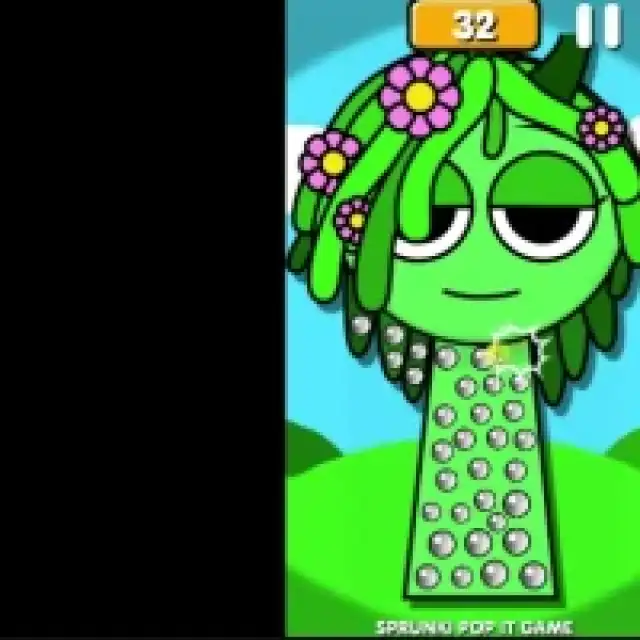
Pop bubbles covering a Sprunki character
Sprunki Pop It opens with a large triangular play button and colorful character artwork. The first shown puzzle covers a green flower-haired performer with many small silver bubbles. A numeric readout and pause symbol sit at the top of the narrow vertical playfield.
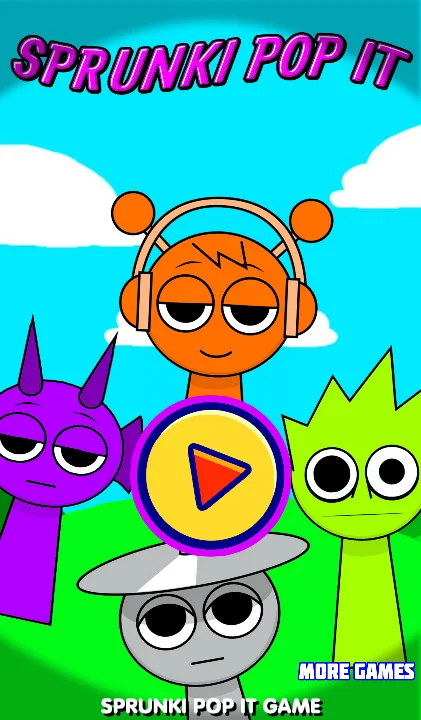
Select a puzzle and tap its bubbles
Use the title play button, choose the available character puzzle and click or tap individual silver circles. Watch each selected bubble change before moving to the next one. The example clears sections across the flowered head and upper body while other bubbles remain intact.
Clear the shape in small sections
Work around one edge or feature instead of tapping randomly across the entire figure. This makes unpopped circles easier to spot, especially around flowers and narrow body parts. Enlarge the player on a desktop if the small bubbles are difficult to hit, and use the top pause control when you need to stop and inspect the remaining area.