
Play Brainrot Clicker Game
Sprunki Popular Characters
All 20 Characters




Sprunki Popular Character Ranking
Oren - Beat Character
Sky - Effect Character
Durple - Melody Character
Wenda - Vocal Character
Tunner - Melody Character
Trending Games


























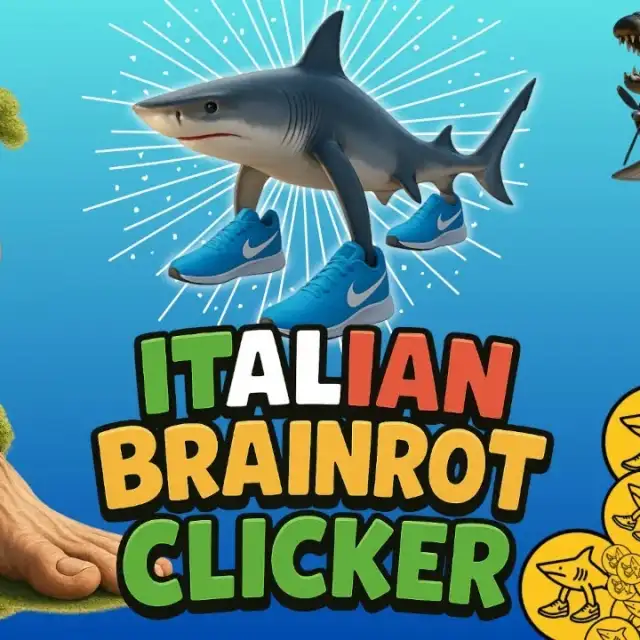
Brainrot Clicker
A shark-led clicker with a collection
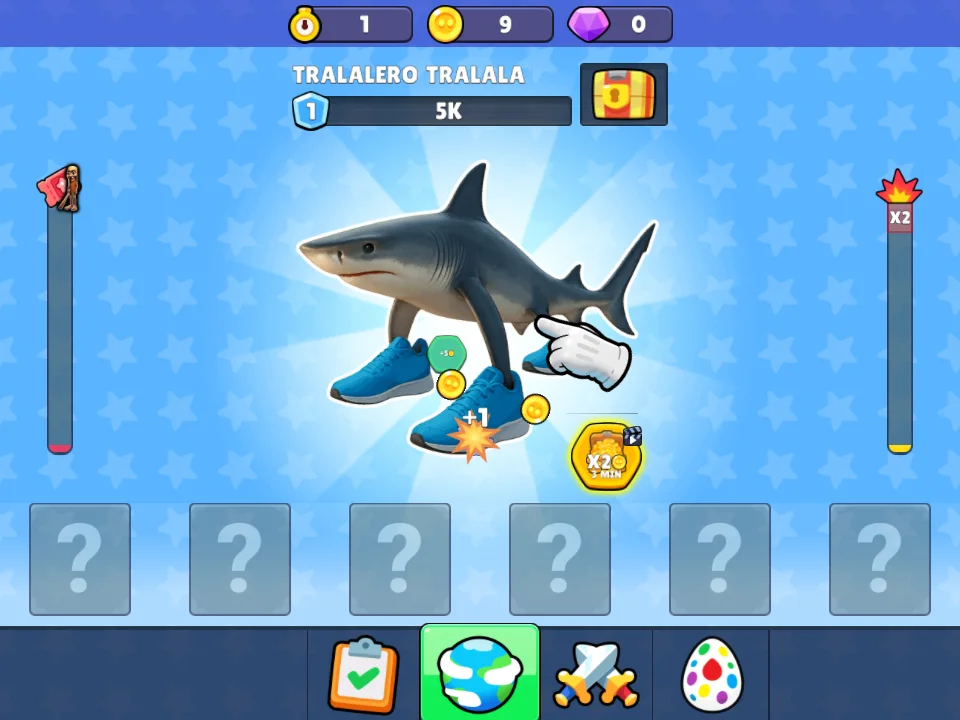
Brainrot Clicker opens with a sneaker-wearing shark on a blue patterned background. Coin and gem counters run across the top, while upgrade and navigation symbols occupy the lower area. The collection screen uses a three-column grid with the shark visible and other slots marked by question marks.
Earn currency before checking upgrades
Click or tap the central character repeatedly and watch the top counters. The recorded session uses repeated clicks, then checks an upgrade option and opens the collection. Compare the displayed currency with the next available purchase before spending so you can see which action changed your earnings.
Check progress in the collection
Use the bottom navigation symbols to return to the character grid. The grid shows one unlocked shark beside several locked slots. Check the currency screen when planning a purchase, then return to the collection to compare the designs you have reached.