
Play Sprunki OC Maker Game
Sprunki Popular Characters
All 20 Characters




Sprunki Popular Character Ranking
Oren - Beat Character
Sky - Effect Character
Durple - Melody Character
Wenda - Vocal Character
Tunner - Melody Character
Trending Games


























Create a Character with Sprunki OC Maker
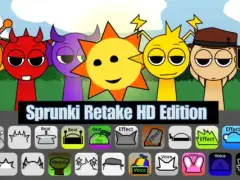
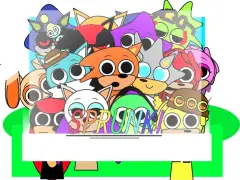
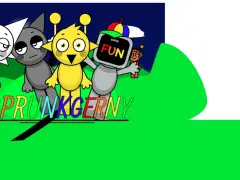
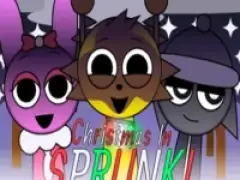
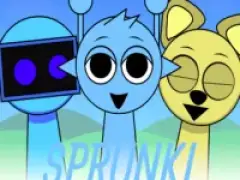
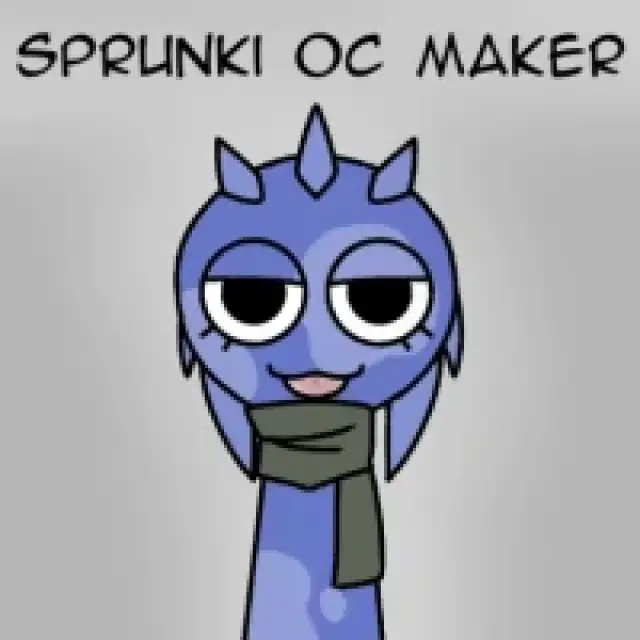
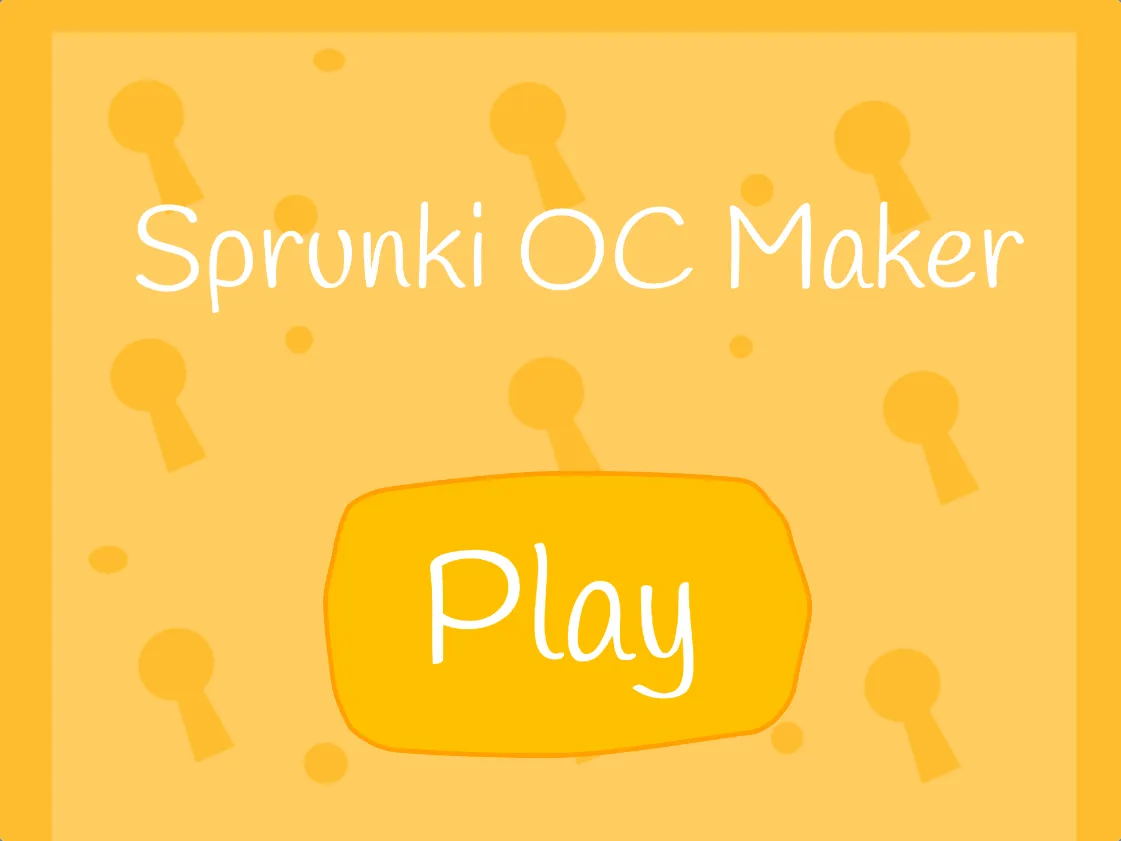
Sprunki OC Maker opens Scratch project 1158914370. Its yellow start screen leads to a character editor with body colors and accessory choices. The screenshot sequence shows a red body and a purple character wearing yellow headphones, giving you two examples of the available combinations.
How to Get Started
- Press the play control above and wait for the embedded project to load.
- Use the body-color palette to pick a base color and compare it against the yellow background.
- Try an accessory such as the headphones shown in the third screenshot. Compare the outline before and after adding it.
- Write a name and a musical role for the design. Keep a screenshot or drawing of your preferred combination for your own notes.
From a Portrait to an Original Character
Give the design a musical purpose: a kick, shaker, instrument, or voice. Sketch an idle pose and a second pose that matches the sound’s strongest accent. Those notes give you a starting brief for making audio and animation.
For a step-by-step design checklist, read the Sprunki OC guide. Compare your idea with the existing character lineup to give it a distinct silhouette and musical role.
Plan the playable version
A portrait, sound loop, animation, and selectable icon are separate assets. The portrait-to-playable checklist explains how to turn a visual idea into a practical asset brief. Open Sprunki With OC II to study extra performers inside a music lineup.