
Play Shapes Puzzle Game
Sprunki Popular Characters
All 20 Characters




Sprunki Popular Character Ranking
Oren - Beat Character
Sky - Effect Character
Durple - Melody Character
Wenda - Vocal Character
Tunner - Melody Character
Trending Games


























Shapes Puzzle
Fit colored pieces into an outline
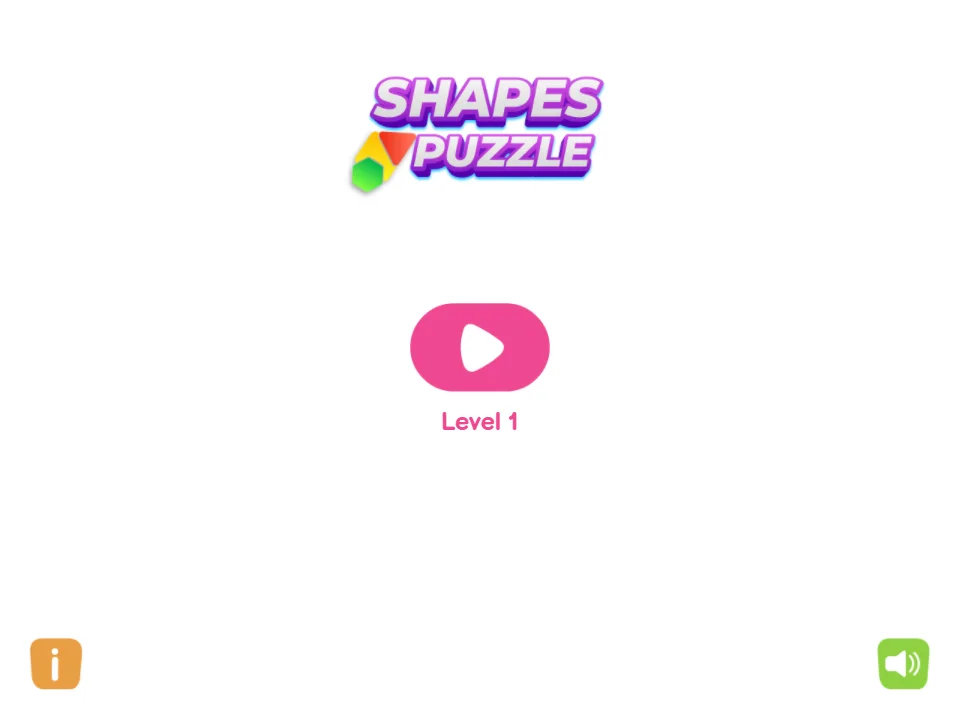
Shapes Puzzle opens with a large pink play button labeled Level 1. The first board is a small tilted grid outline with a few colored pieces underneath. Home, curved-arrow and speaker controls run down the left side of the otherwise clean white screen.
Drag one piece into the target
Select a colored block beneath the outline, drag it over the matching space and release. Use the grid lines to align the piece rather than placing it by its center alone. The example shows a red bent piece being positioned while a yellow piece and another red shape remain below.
Look at the whole outline
Before moving the next piece, check the space that will remain after the current one is placed. Compare corners, straight edges and the number of occupied grid cells. Keep a piece near the tray if you are still checking its fit, then make a deliberate drop once its edges align with the target.