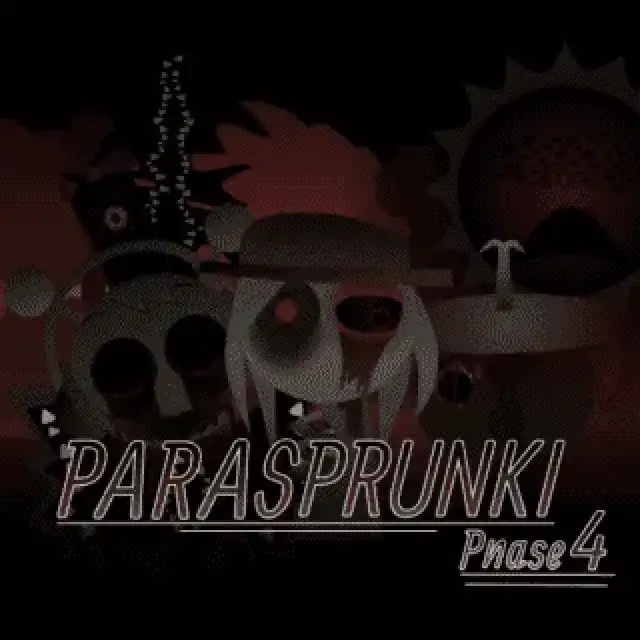


Play Parasprunki Phase 4 Game
Sprunki Popular Characters
All 20 Characters




Sprunki Popular Character Ranking
Oren - Beat Character
Sky - Effect Character
Durple - Melody Character
Wenda - Vocal Character
Tunner - Melody Character
Trending Games


























Parasprunki Phase 4
Black silhouettes in a red ruined landscape
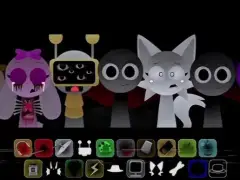
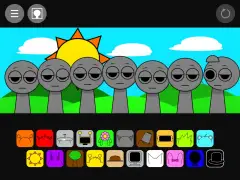
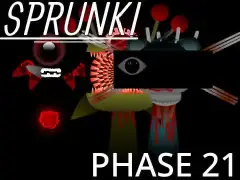
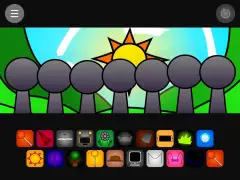
ParaSprunki Phase 4 opens on seven very different black silhouettes against a dark red scene of broken structures. Some positions are low and rounded, while others are tall or angular. Its lower tray contains multiple rows of colorful, redrawn accessories, including headphones, a red flame, cymbal, bucket, visor, flower and monitor-like shapes.
Use the icons to track the tall cast
The silhouettes make the performer boundaries less obvious than in the normal lineup. Choose a tile with a clear accessory, place it deliberately and watch that particular position before adding another. Keeping the tallest central silhouette separate from a neighboring choice makes their animation easier to follow.
Distinguish the upper controls
The upper-right toolbar contains several square symbols beside reset, including a crossed-circle and a bright pink circular design. They are separate from the dense sound tray below. Learn a small arrangement first, then inspect those controls one at a time; the tray extends close to the right edge, so Fullscreen also helps with the last few choices.