
Play Incredibop Deadline Game
Sprunki Popular Characters
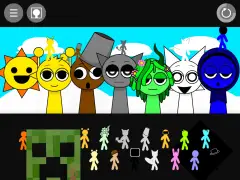
All 20 Characters




Sprunki Popular Character Ranking
Oren - Beat Character
Sky - Effect Character
Durple - Melody Character
Wenda - Vocal Character
Tunner - Melody Character
Trending Games


























Incredibop Deadline
Inside the Deadline player
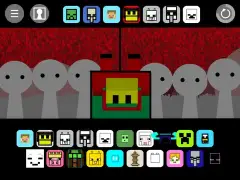
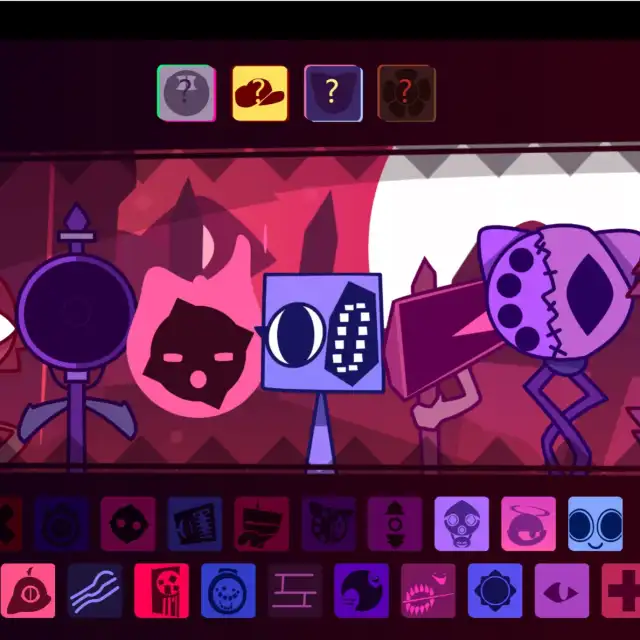
This listing opens a Deadline music stage in a dark magenta room. The unused performers are black shapes marked with question marks. Assigning sound choices reveals custom designs, including a tall dark-blue round head, pink diamond-like face, blue screen-like performer and purple spotted head. The visual selection uses small square emblems below.
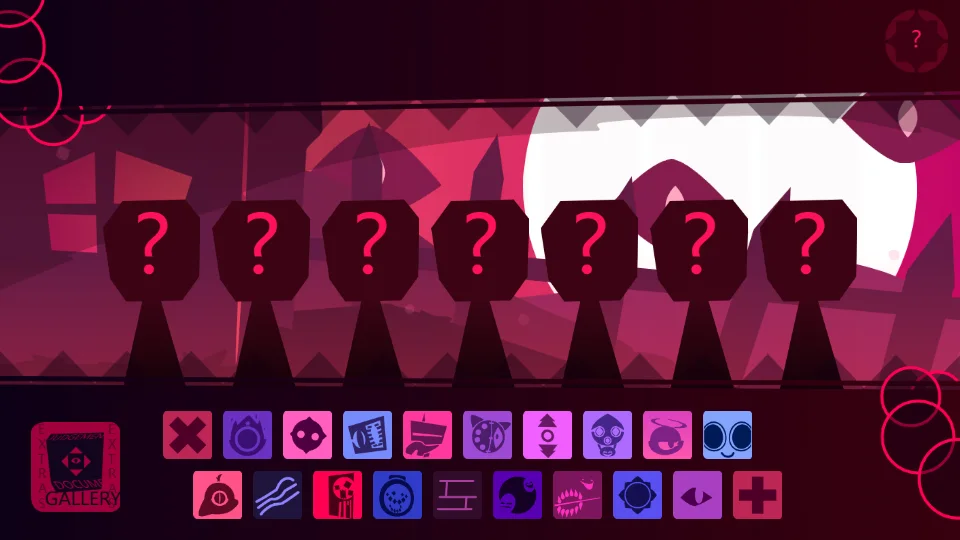
Reveal performers with the lower tiles
Drag a colored emblem onto one unused position at a time. The captured sequence first reveals two performers, then builds a group of five. Look for the newly visible body and the changed icon state after each placement; the question-mark silhouettes make that transition especially clear.
Learn the unfamiliar symbols gradually
Deadline’s symbols are more abstract than the headphone and hat icons of the main Sprunki player. Begin with two choices whose shapes you can recognize, then add one more without disturbing the pair. Use the screenshots to associate the small emblem with the larger revealed design. Leave open positions between experiments if adjacent bodies obscure each other.