
Play Sprunki Simplified Game
Sprunki Popular Characters
All 20 Characters




Sprunki Popular Character Ranking
Oren - Beat Character
Sky - Effect Character
Durple - Melody Character
Wenda - Vocal Character
Tunner - Melody Character
Trending Games


























Sprunki Simplified
Small performers above labeled sound groups
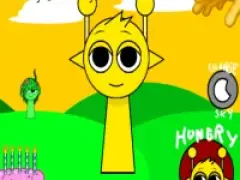
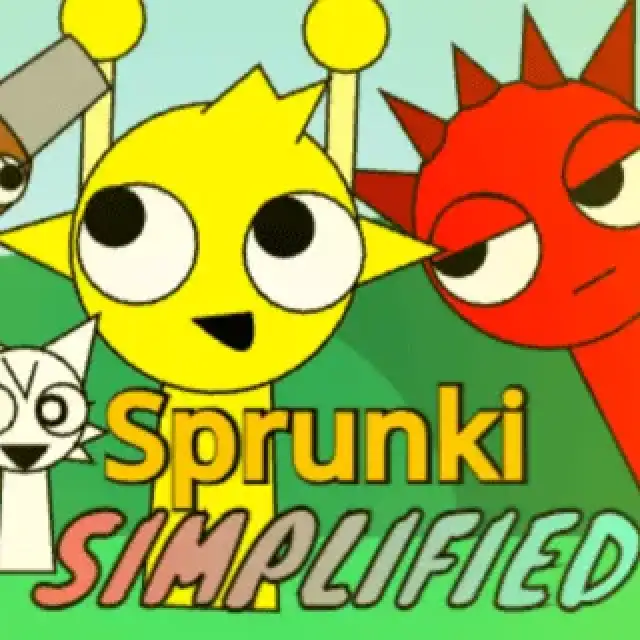
Sprunki Simplified places small characters on a broad grassy hill and labels the lower panel Beats, Melody’s, Accent’s and Voice. The example starts with a small yellow performer, then adds red, gray, brown, green and pink designs across the landscape.
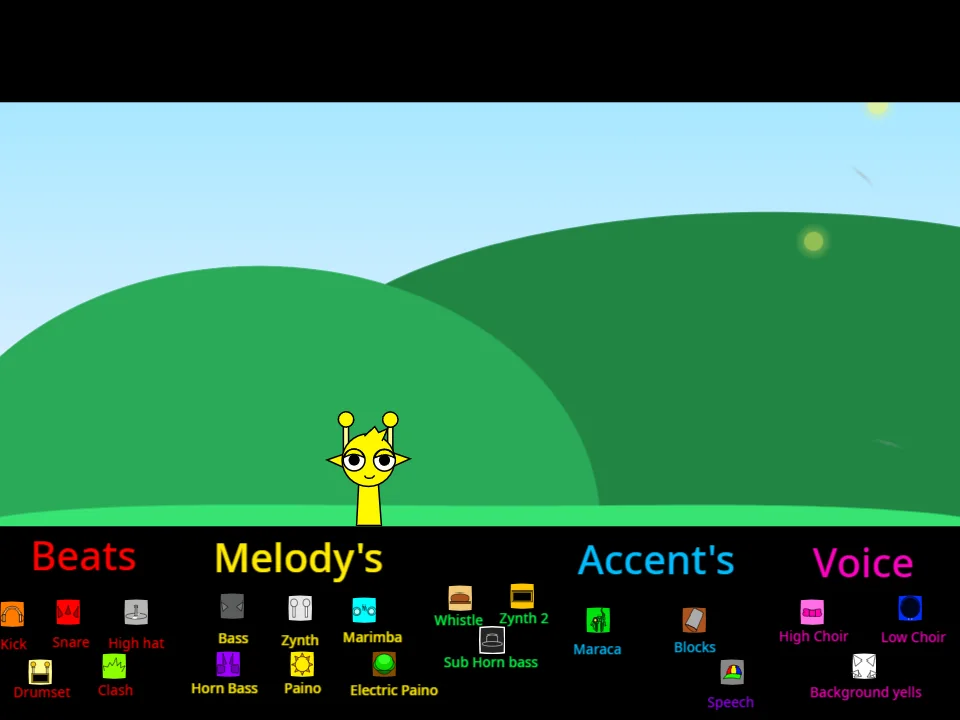
Select from a labeled group
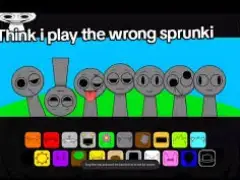
Use the small sound choices beneath a category heading to add a part. Start with a beat selection, then try a melody while keeping the first performer in place. Watch the hill after each selection to see which small character appears. The later image shows choices from several groups together.
Keep the categories visible
Because the performers are small, the labels and selected sound icons provide useful orientation. Compare one category at a time before filling the landscape with several characters. Fullscreen helps you read the tiny instrument and sound labels, and makes it easier to connect a lower-panel choice with the matching figure above.