

Play Sprunki Phase 24 Game
Sprunki Popular Characters
All 20 Characters




Sprunki Popular Character Ranking
Oren - Beat Character
Sky - Effect Character
Durple - Melody Character
Wenda - Vocal Character
Tunner - Melody Character
Trending Games


























Sprunki Phase 24
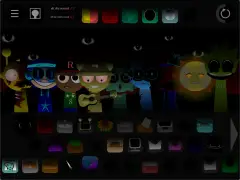
A very dark stage with pale sound symbols
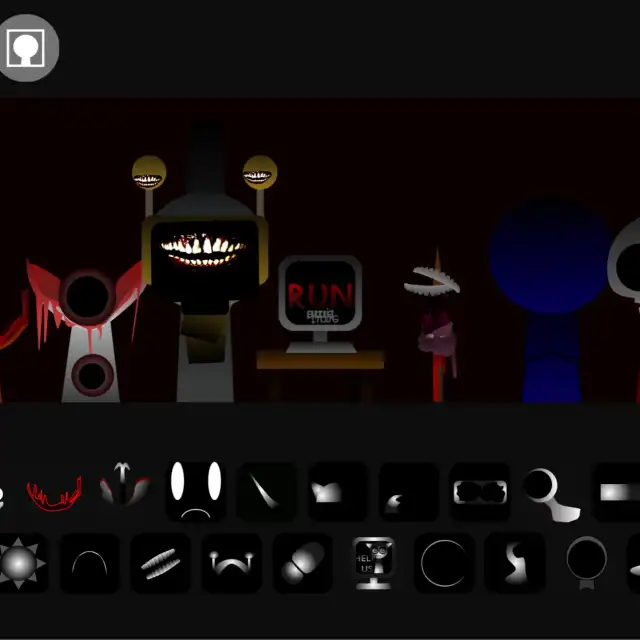
Phase 24 begins with faint silhouettes in a deep red-black scene. Adding choices reveals red and pale striped figures, a tabletop monitor, blue rounded head and pink pointed face. The lower panel uses two rows of small monochrome accessory symbols.
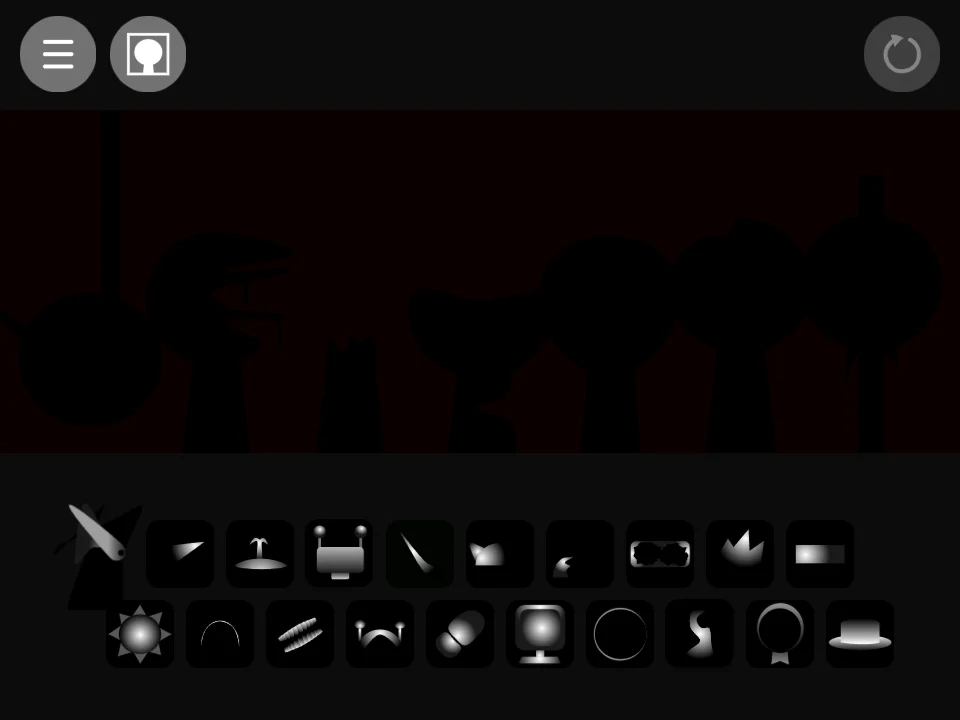
Use the bright symbols to locate choices
Drag one of the pale lower-panel symbols onto an unused head. Wait for the colored performer to appear, then place another choice on a separate position. The early and fuller arrangements show how the monitor and blue head stand out against the dark stage.
Keep the stage large enough to read
The empty figures are much darker than the available symbols. Use fullscreen to locate the intended head before releasing a tile, and confirm the resulting character before adding another part. Keep a simple pair in place while exploring a different white symbol so you can identify the new selection despite the low-contrast backdrop.