
Play Sprunki Extended Game
Sprunki Popular Characters
All 20 Characters




Sprunki Popular Character Ranking
Oren - Beat Character
Sky - Effect Character
Durple - Melody Character
Wenda - Vocal Character
Tunner - Melody Character
Trending Games


























Sprunki Extended
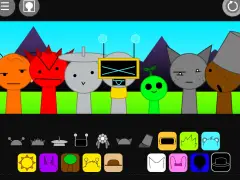
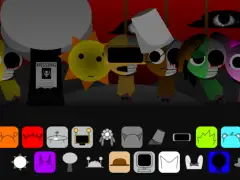
A collage-filled character stage
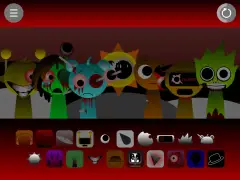
Sprunki Extended surrounds its gray lineup with dense colorful pictures, abstract shapes, objects and music-note imagery. New selections reveal custom performers such as a large purple rabbit-like face and clothed round-eyed figure. The lower sound bank blends into the collage rather than sitting in a plain black bar.
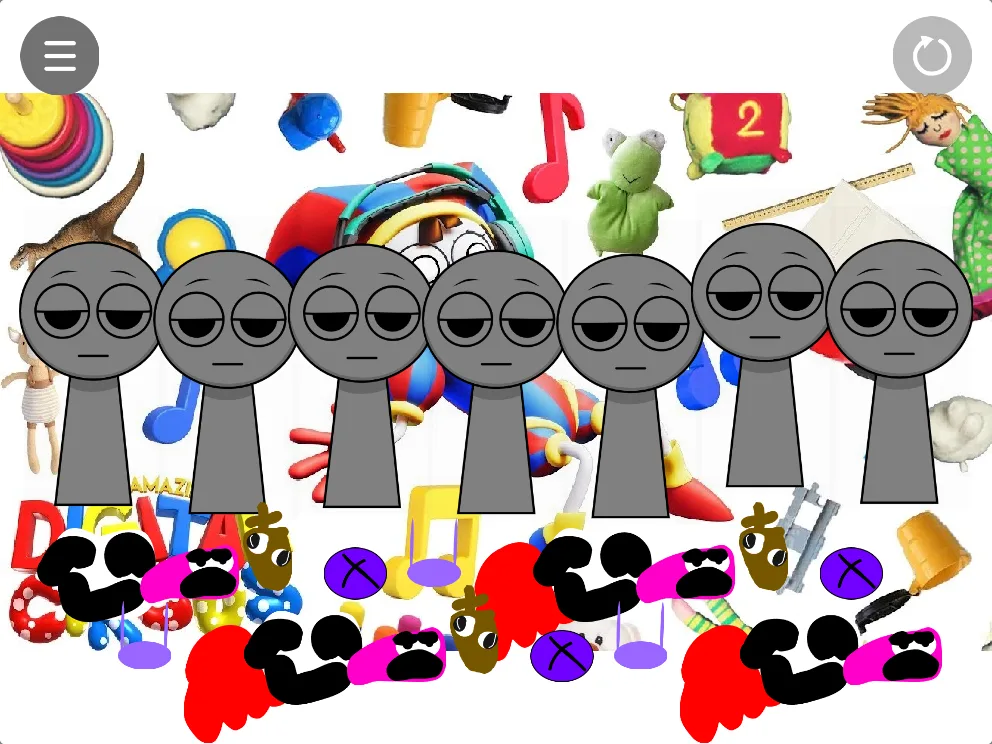
Find a distinct symbol before dragging
Choose a lower-panel shape you can recognize and drag it to an unused stage position. Confirm the new performer’s outline before choosing another. Start with a single design, then add a contrasting figure while the rest of the stage is still clear.
Keep visual clutter manageable
The background artwork can resemble a selectable object at first glance. Use the same lower sound area consistently and check for a changed character after each drop. Fullscreen helps separate the small icons from surrounding decoration. The fuller screenshot provides a reference for the active cast within the busy collage.