Sprunki Mr Sun

Melodies · Piano
Recognizing Mr Sun in the player
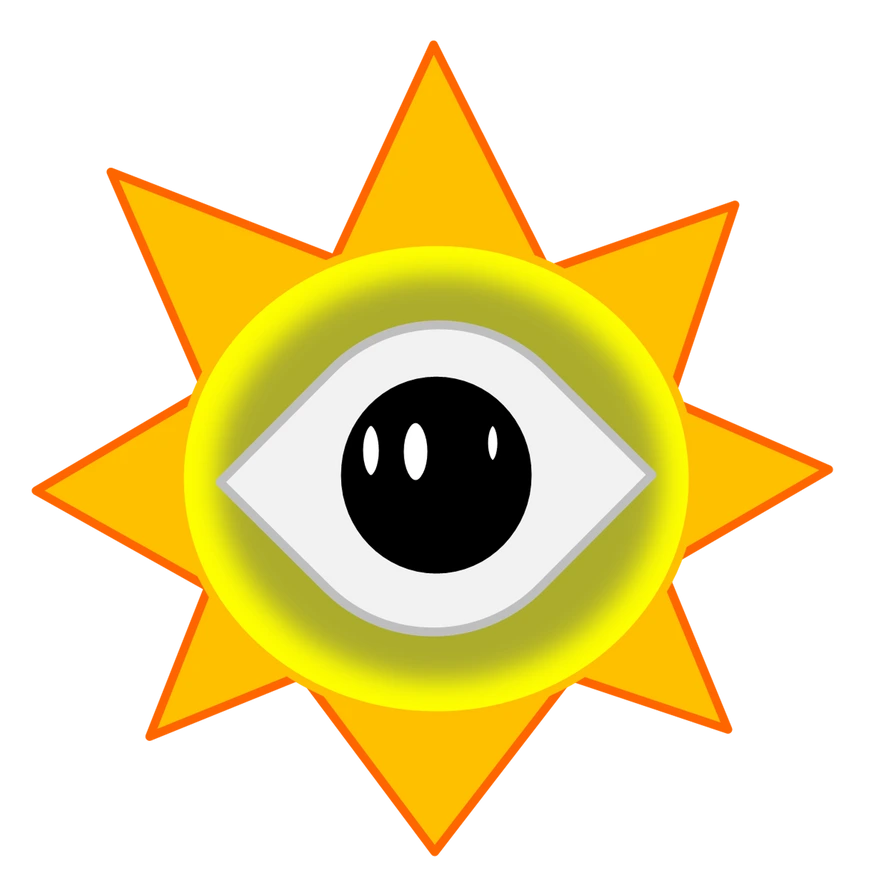
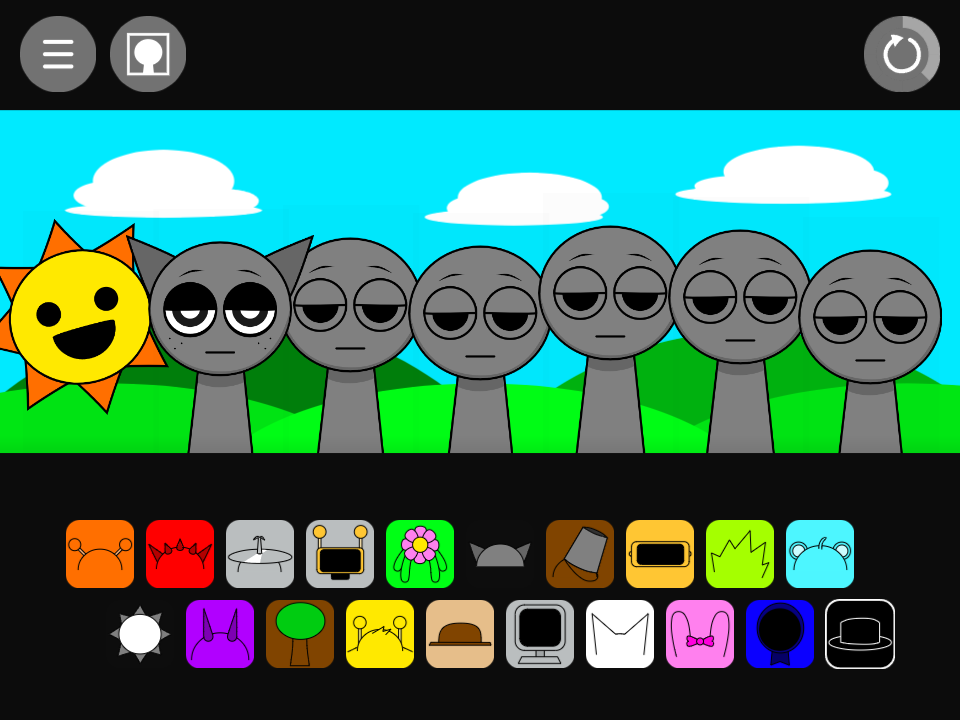
Mr Sun is a yellow circular face surrounded by orange rays. His sun icon begins the lower row. Simon also uses yellow, but his performer-shaped head and antennae differ from the ring of rays.
What Mr Sun sounds like
His normal pair is piano1 and piano2. Use it as a pitched reference while choosing a bass or rhythm. Hear the phrase alone before introducing another keyboard-like sound such as Sky’s music box or Garnold’s arpeggio.
Gray offers a separate low foundation for the piano. Compare the two-part texture before adding a drum; you may prefer the lighter bass–piano arrangement. Bring in Oren afterward when the phrase needs a more distinct low attack.
Piano with a separate bass
- Drag the lower-row sun icon onto the first performer.
- Add Gray’s upper-row pointed-ear icon to the second position.
- Remove and restore Gray, comparing how the low pitched foundation changes the piano-led phrase.
Choosing parts around Mr Sun
Mr Tree’s organ is a useful keyboard-family alternative. Sky contributes another small pitched phrase, and Durple changes the instrumental character to a horn. Choose one lead first, keeping the same bass during the comparison so each instrument’s role stays easy to hear.
Mr Sun in the alternate sound set
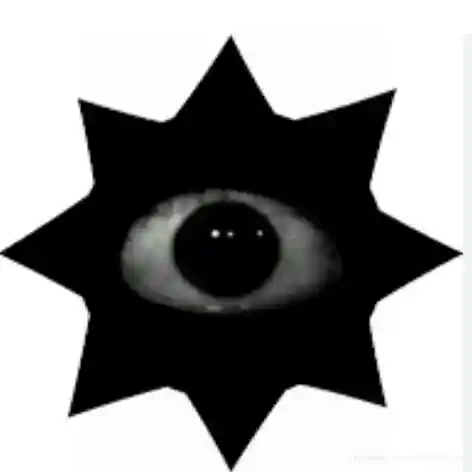
The alternate files are piano new1 and piano new2. Mr Sun’s alternate artwork changes the face inside the circular silhouette. The sun icon and the piano sample family are useful references even when a mod changes its expression or background.
A practical question
Is the sun only part of the scenery?
The sun icon assigns a sound like the other playable icons. Its circular design identifies a character even though it differs from the humanoid performers.
Try this arrangement in the main Sprunki player · Open the tested project