Sprunki Mr Fun Computer
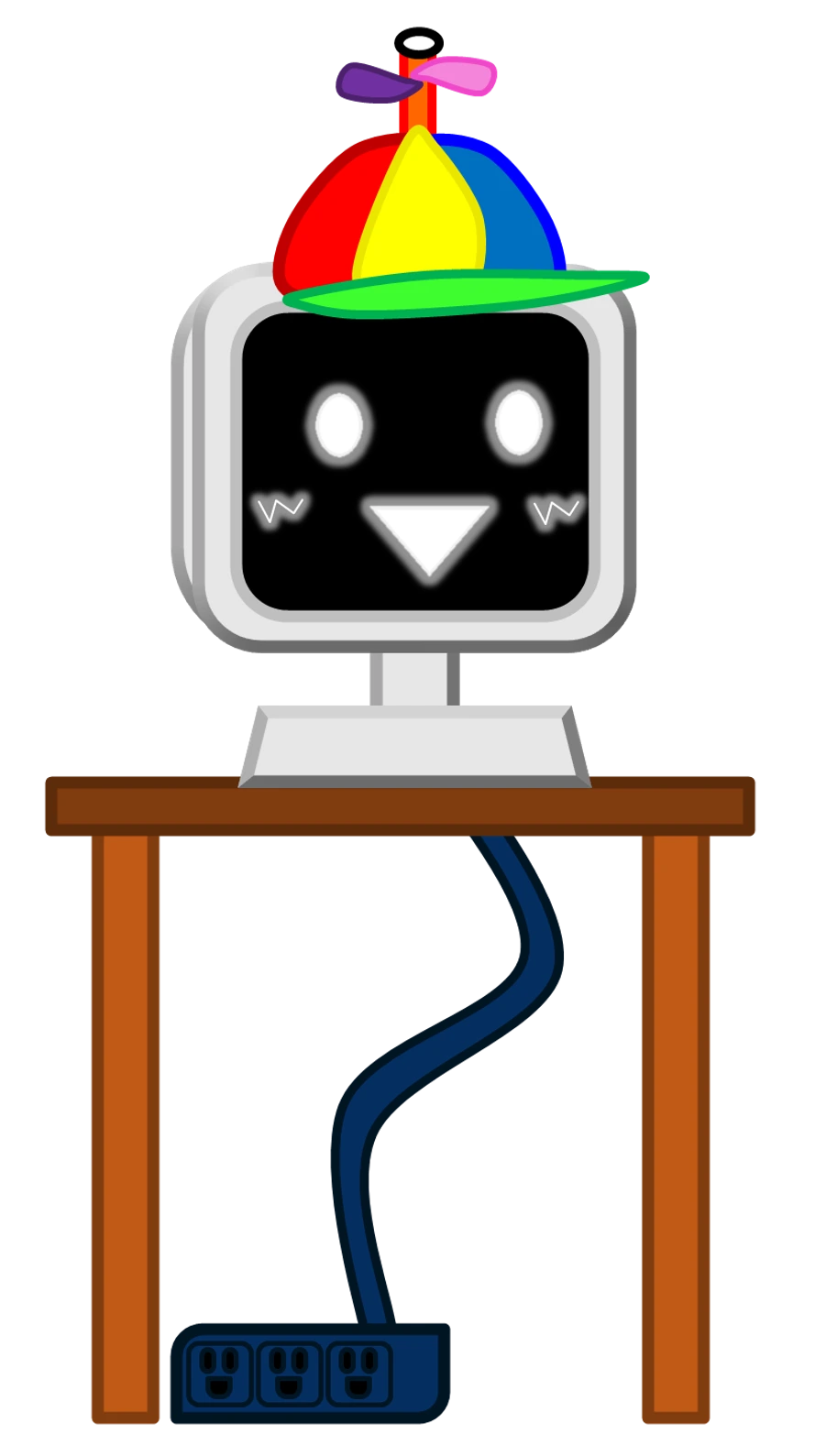
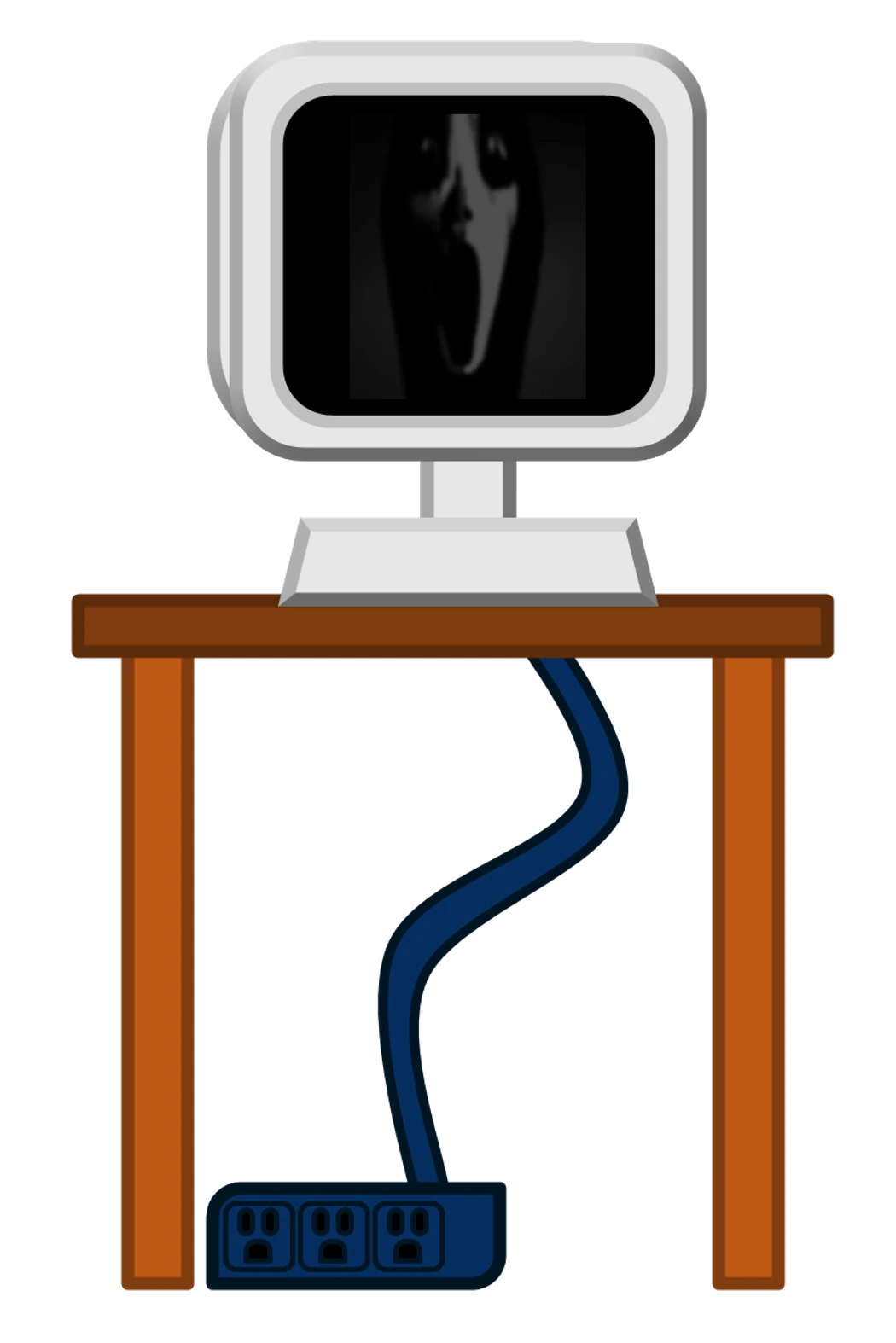

Vocals · Computer voice
Recognizing Mr Fun Computer in the player
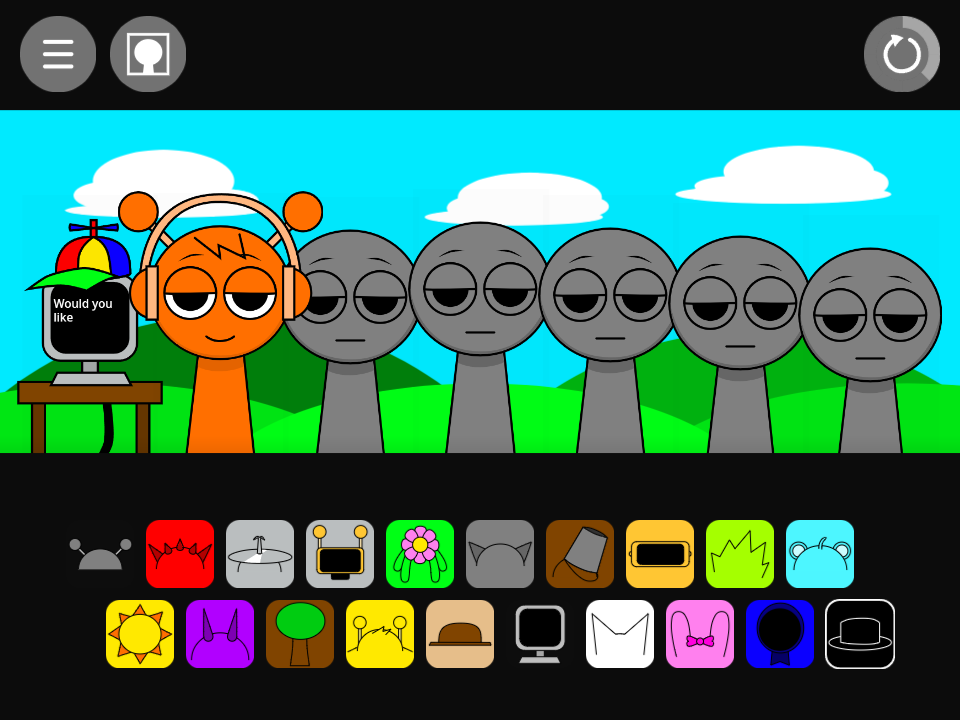
Mr. Fun Computer has a monitor-shaped head with a dark screen and a small base. His monitor icon is sixth in the lower row. Fun Bot’s yellow-edged robot face is in the upper row; the desktop-computer outline identifies this separate vocal slot.
What Mr Fun Computer sounds like
The normal pair is aising1 and aising2. Use it as a vocal reference when selecting percussion. Its machine-like appearance differs from the choir characters, but the voice still needs space to present a phrase.
Oren supplies a simple kick beneath the computer part. This makes the vocal easier to identify than beginning with a full drum lineup. Keep that same kick and swap the computer for Wenda or Pinki when comparing the different voices.
Computer voice over a kick
- Place the lower-row monitor icon on the first empty figure.
- Add Oren’s headphones to the second position.
- Compare the voice alone and over the kick, then choose one pitched part if the arrangement needs a melody.
Choosing parts around Mr Fun Computer
Pinki and Jevin supply choir-family sounds, while Wenda provides a shorter voice figure. Begin with one voice before combining phrases. Fun Bot remains a separate drum choice and can be compared with Oren while you keep the computer vocal unchanged.
Mr Fun Computer in the alternate sound set
The alternate pair is aispeak1 and aispeak2, a distinct voice source from the normal singing pair. Compare its sound with the changed screen display rather than assuming every animated monitor face is another character.
A practical question
Does the monitor replace the whole music lineup?
It contributes one assigned part. Other stage positions remain available for rhythm, effects, and melody, so the computer voice can be one element in a larger arrangement.
Try this arrangement in the main Sprunki player · Open the tested project