Sprunki Raddy
Beats · Snare drum
Recognizing Raddy in the player
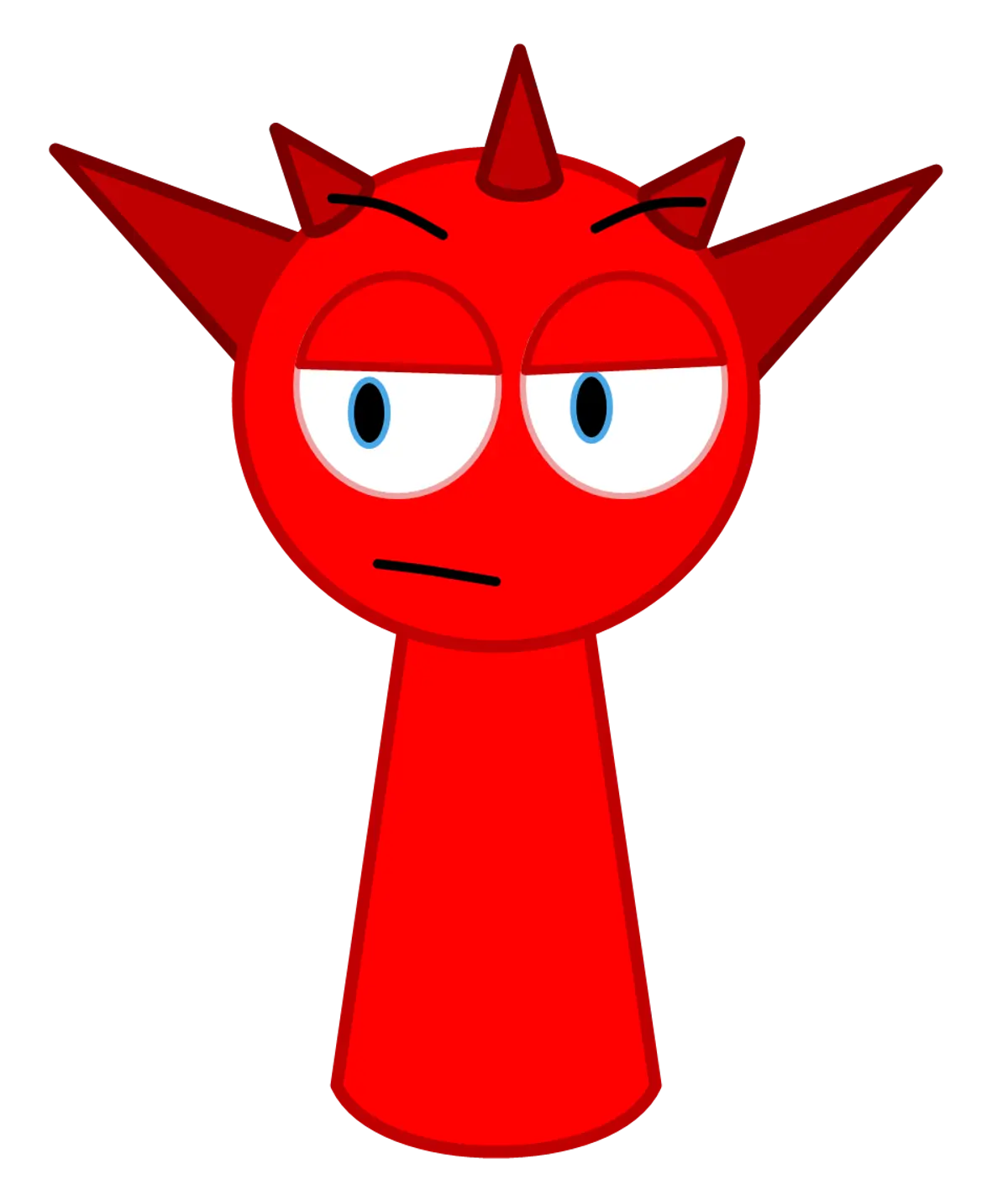
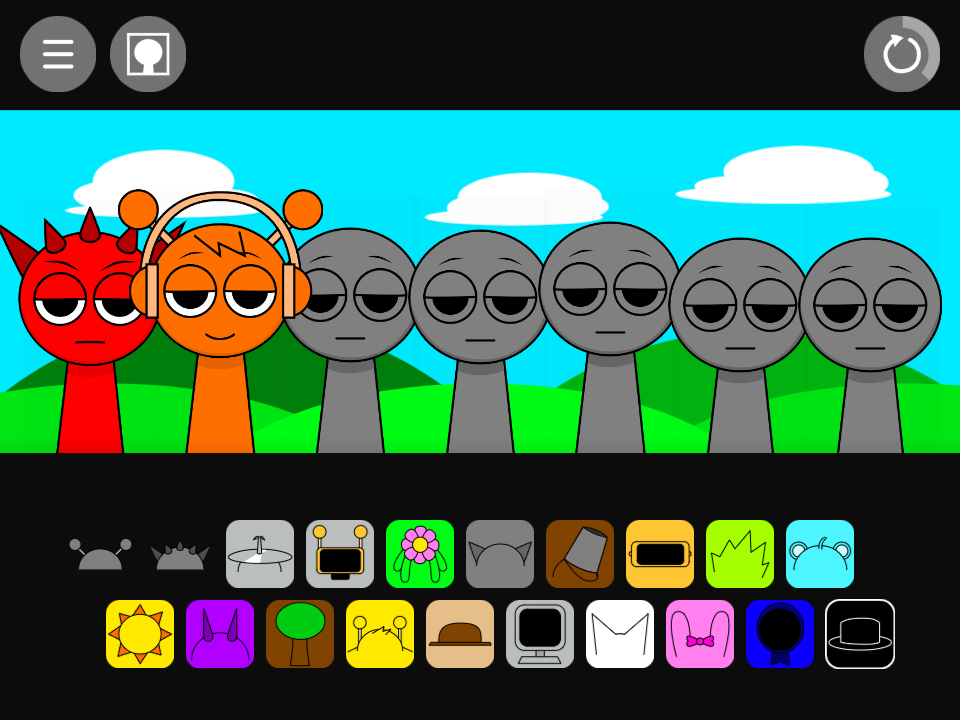
Raddy is the red performer with sharp head spikes. His icon is second in the upper row, between Oren’s headphones and Clukr’s cymbal. The regular spiked silhouette distinguishes him from OWAKCX’s uneven lime-green outline.
What Raddy sounds like
His normal pair is named snare and snare2. Use it as an accent above a lower drum pulse. A snare can give the rhythm definition without introducing a sustained tune, which helps when a vocal or keyboard already carries the melody.
Raddy with Oren separates the low kick from the snare accent. Raddy with Fun Bot combines the snare with a busier drum figure, so listen for overlapping accents before adding more percussion. Removing one part for a repeat is often a clearer comparison than adding another effect.
Hear the kick and snare separately
- Place Raddy’s red spiked icon on the first empty performer.
- Add Oren’s headphones to the second position.
- Remove and return Oren, listening for what the kick contributes beneath the sharper accent. Add a melody only after you can follow both drum parts.
Choosing parts around Raddy
Raddy is useful when the missing element is an accent; Oren supplies a low foundation. Clukr provides another option when you want a metallic top layer rather than another central drum attack. Keep the same melody while comparing those choices so the percussion change stays easy to identify.
Raddy in the alternate sound set
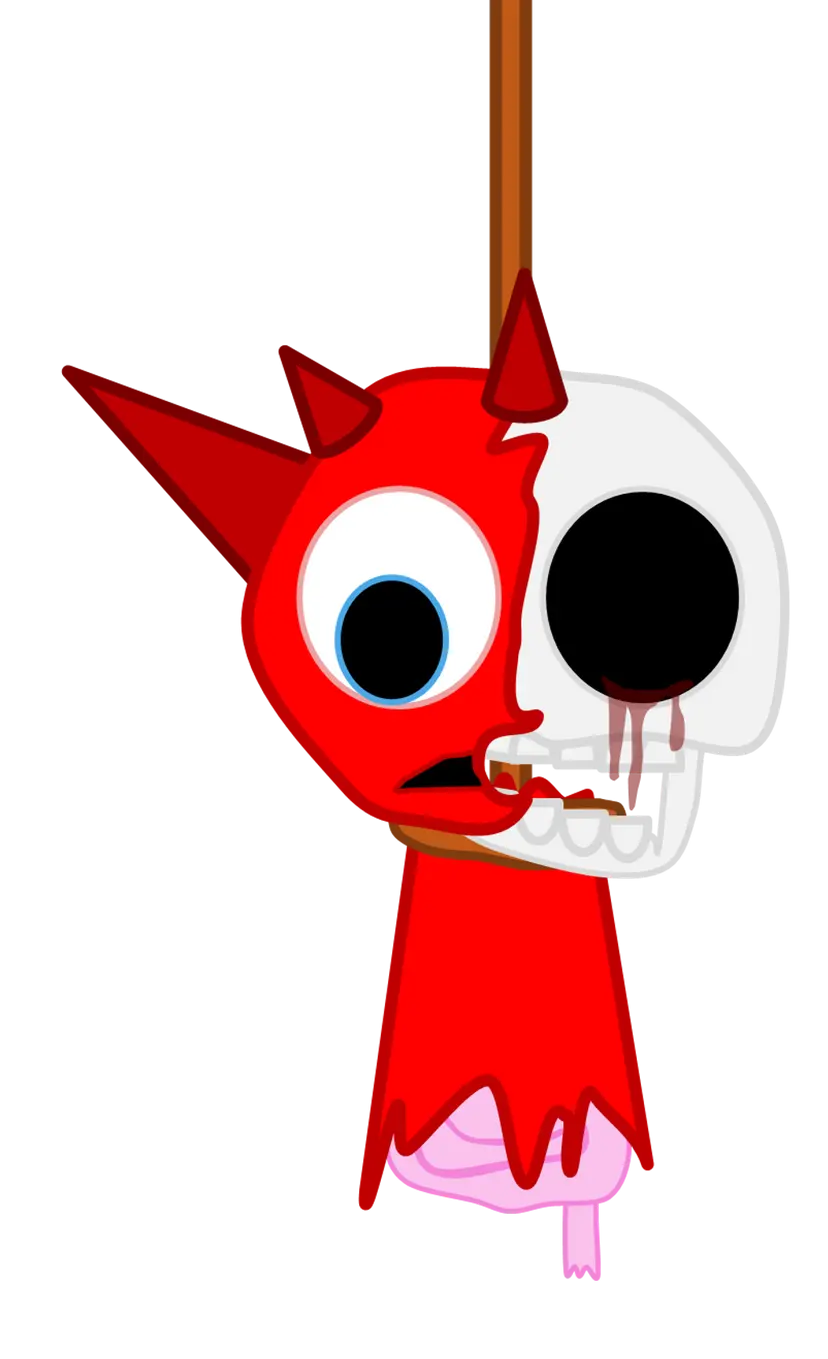
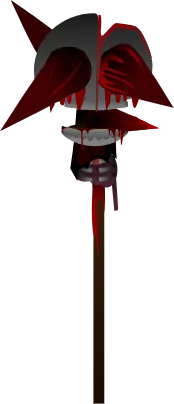
Raddy’s alternate pair is snare3 and snare4. His horror artwork alters the red spiked head substantially. Compare the separate snare family as well as the face instead of treating an unfamiliar red portrait as a new normal-mode slot.
A practical question
Should every beat icon be active before I choose a melody?
A kick–snare pair is already a useful rhythm bed. Try a melody over that pair first and add more percussion when it creates a texture you prefer.
Try this arrangement in the main Sprunki player · Open the tested project